
Draw and paint on iPad, free.
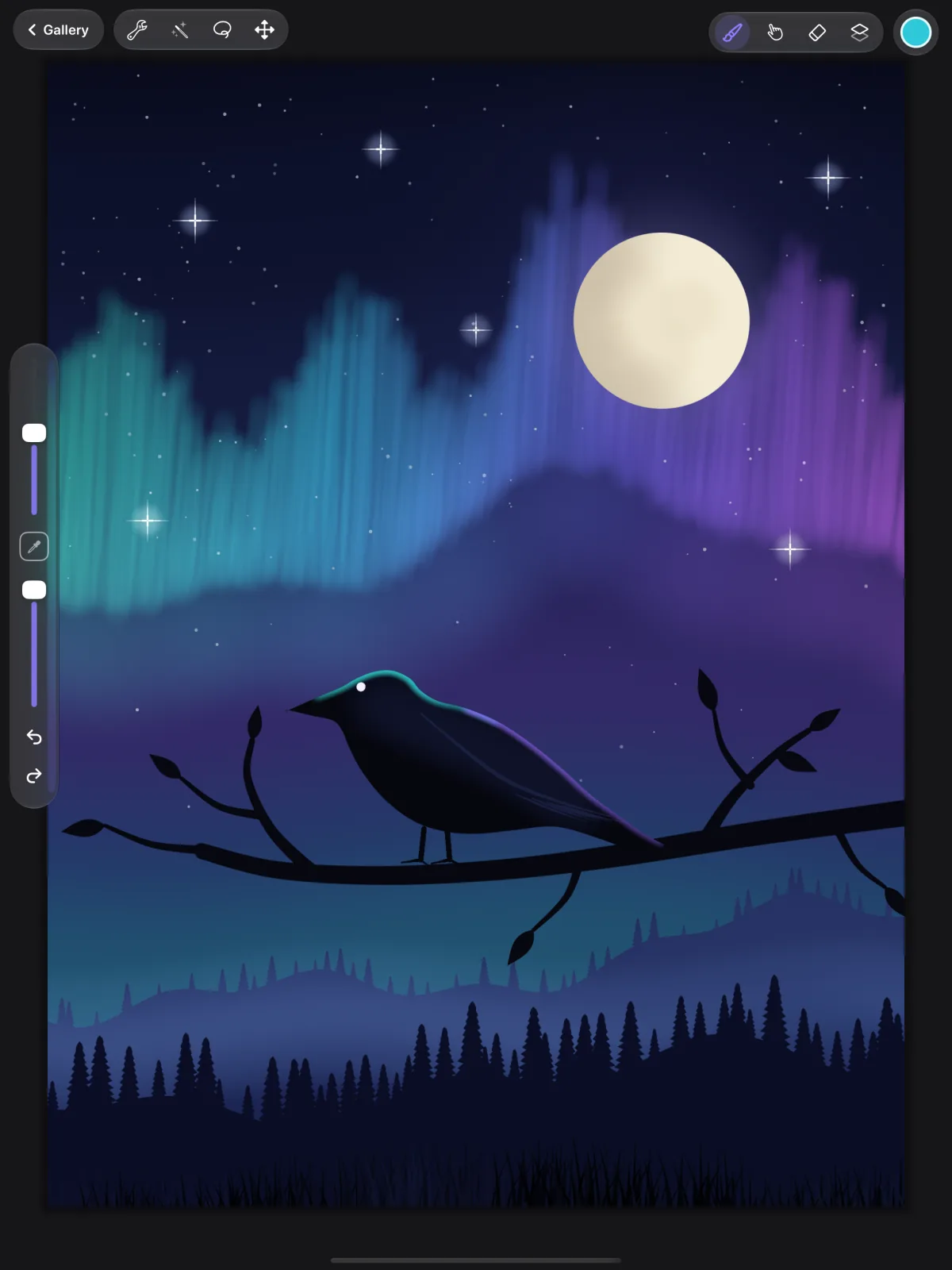
CrowDraw is a painting studio for iPad and Apple Pencil: 92 brushes, layers with blend modes and masks, selections, adjustments, guides, text and time-lapse. No ads, no in-app purchases, no account, and your artwork stays on your iPad.
Listed on the App Store as CrowDraw – Sketch & Paint.
- Price
- Free · no ads, no in-app purchases
- Requires
- iPad, iPadOS 26 or later
- Apple Pencil
- Pressure, tilt, hover, squeeze
- Account
- None needed
Brushes
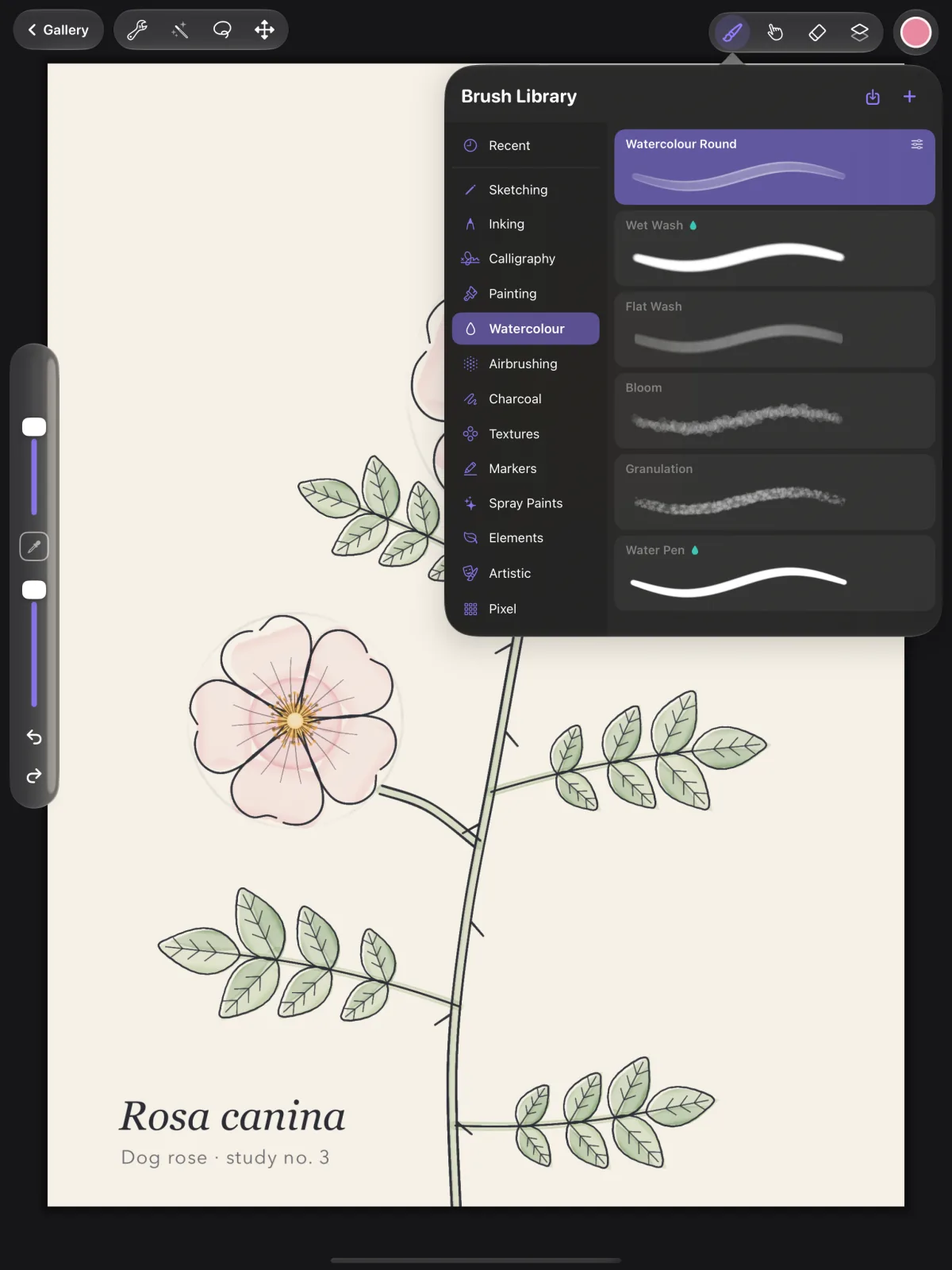
92 brushes, and a studio to make your own.
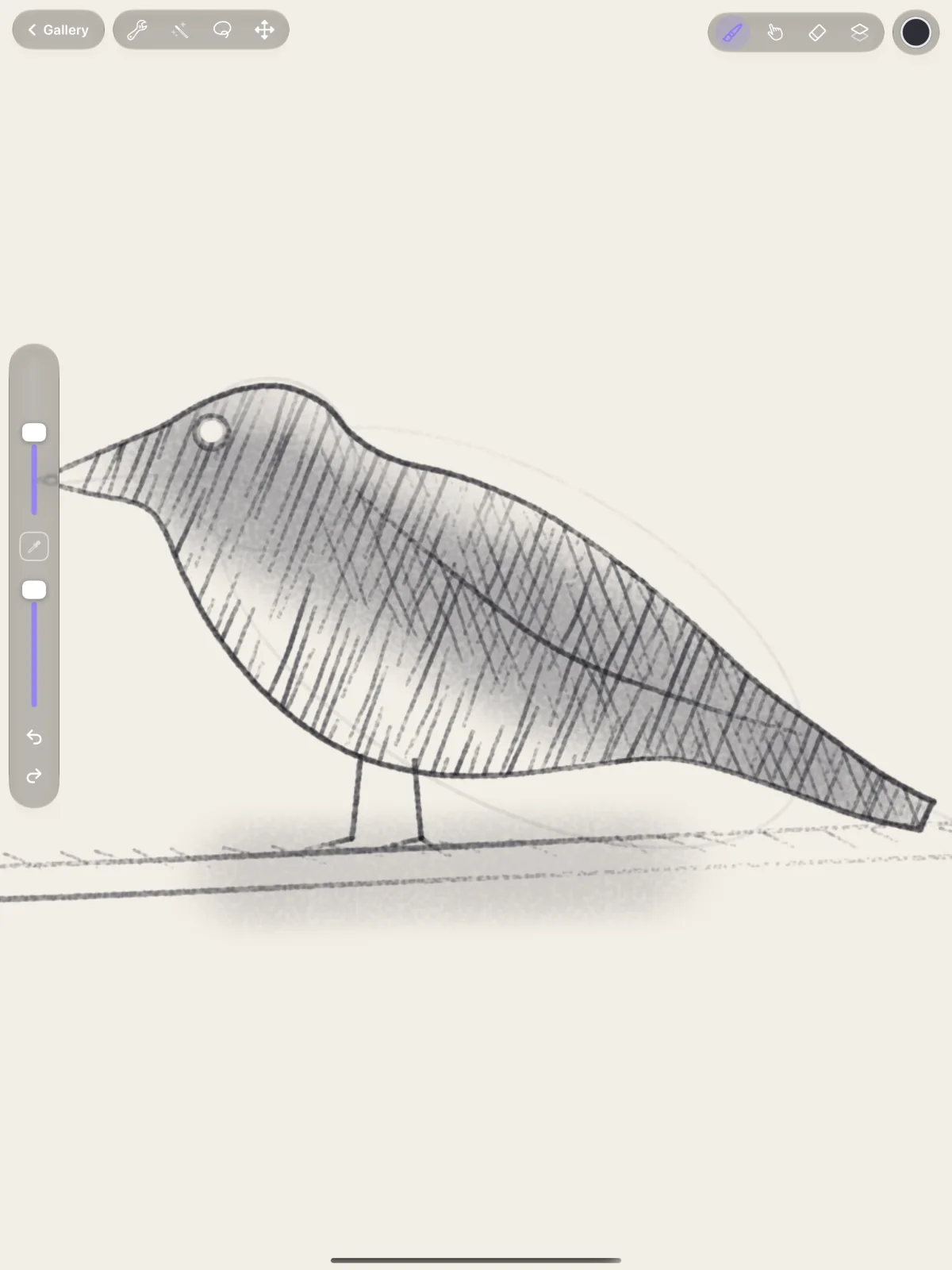
Pencils with real paper grain, inks, calligraphy nibs, oils and gouache that mix on the canvas, blenders, watercolour, airbrushes, charcoal, markers, spray paint, textures and pixel brushes, all drawn by a fast Metal brush engine.
- Smudge mixes and carries colour, with five Blending brushes, and Strength and Pull to set how much and how far.
- Wet brushes blend into what's already there.
- The stroke eraser takes away whole strokes and leaves what's under and over them.
- StreamLine smoothing and tapers for clean lines; pressure, tilt and speed shape every stroke.
- Brush Studio opens every setting next to a live drawing pad. Import your own shapes and grains.
- Share brushes as .crowbrush files and import other people's.
Layers
Layers, blend modes and masks.
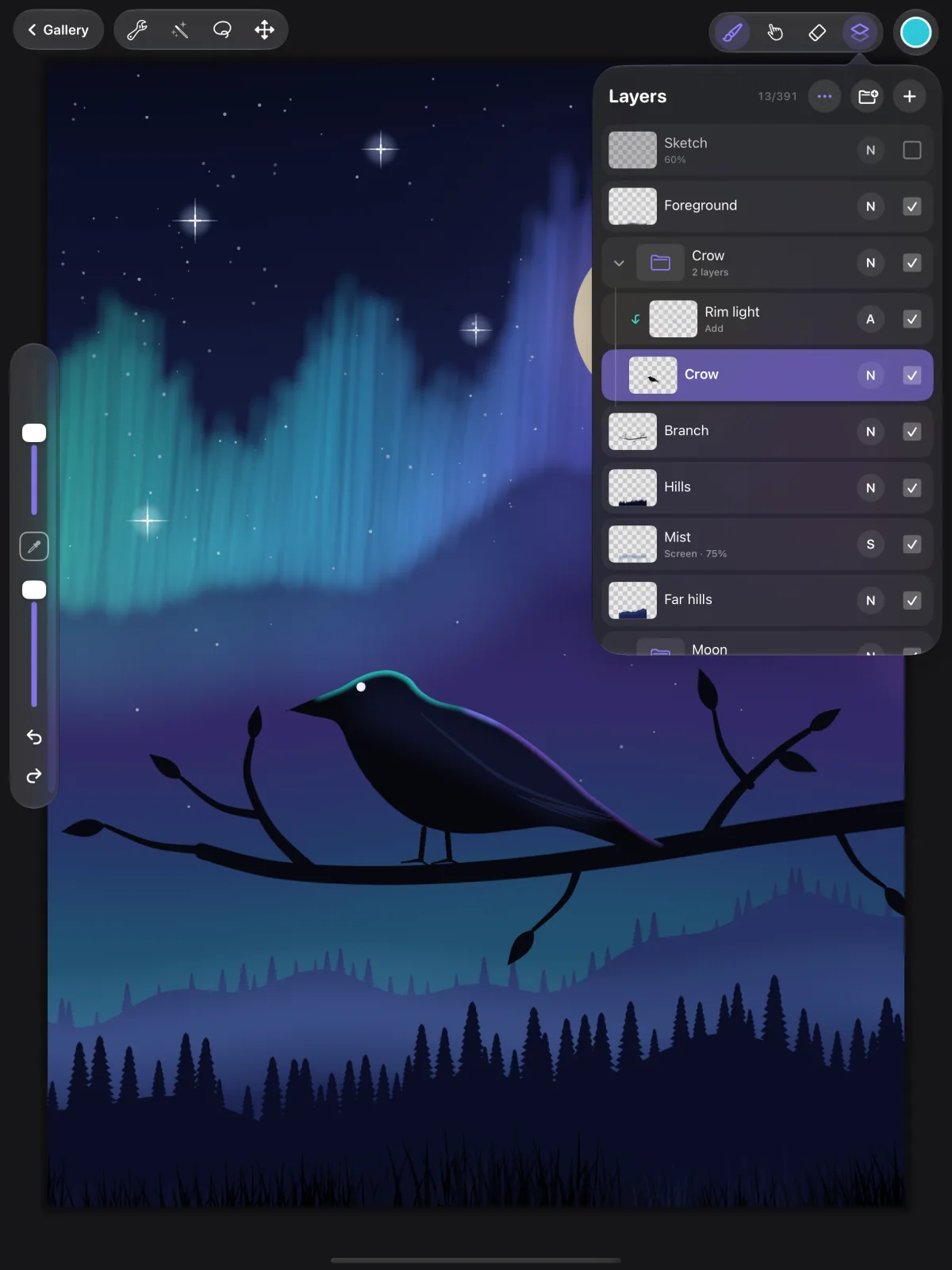
Keep sketch, ink, colour and light on their own layers, and change any of them without touching the rest.
- 26 blend modes, from Multiply and Screen to Hard Mix and Luminosity.
- Groups, layer masks, clipping masks and alpha lock.
- Reference layers, so ColorDrop and automatic selection follow your line art while you colour underneath.
- Swipe to select several layers, drag to reorder, merge or flatten in a tap.
Colour
Colour by eye, by harmony or by number.
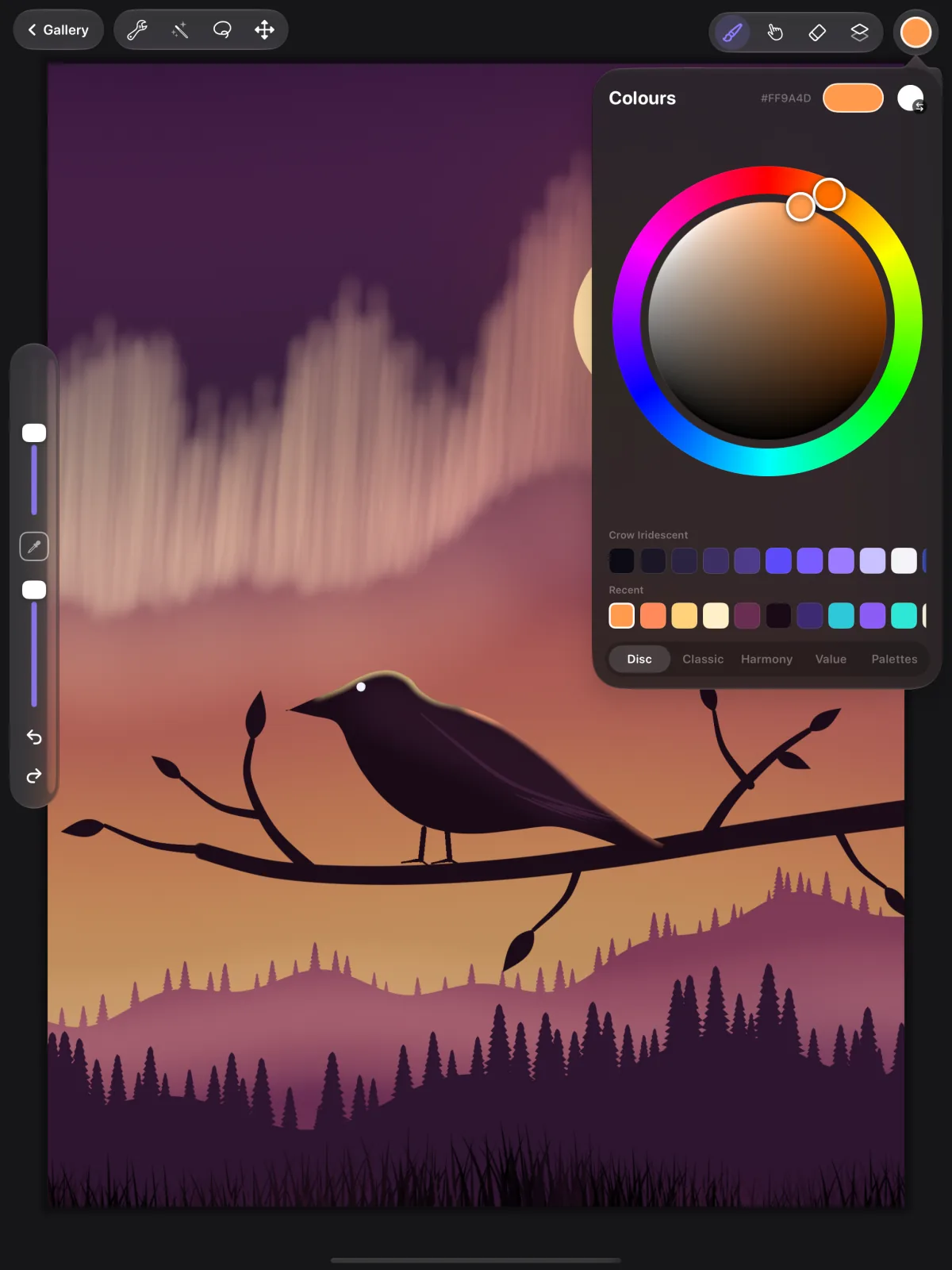
- Disc, Classic, Harmony and Value pickers, with hex, RGB and HSB values.
- Palettes of your own, a palette made from any photo, and .swatches files imported and exported.
- Drag the colour onto the canvas to fill a shape with ColorDrop.
- Touch and hold anywhere to pick a colour from your painting.
Select and adjust
Select it, move it, change it.
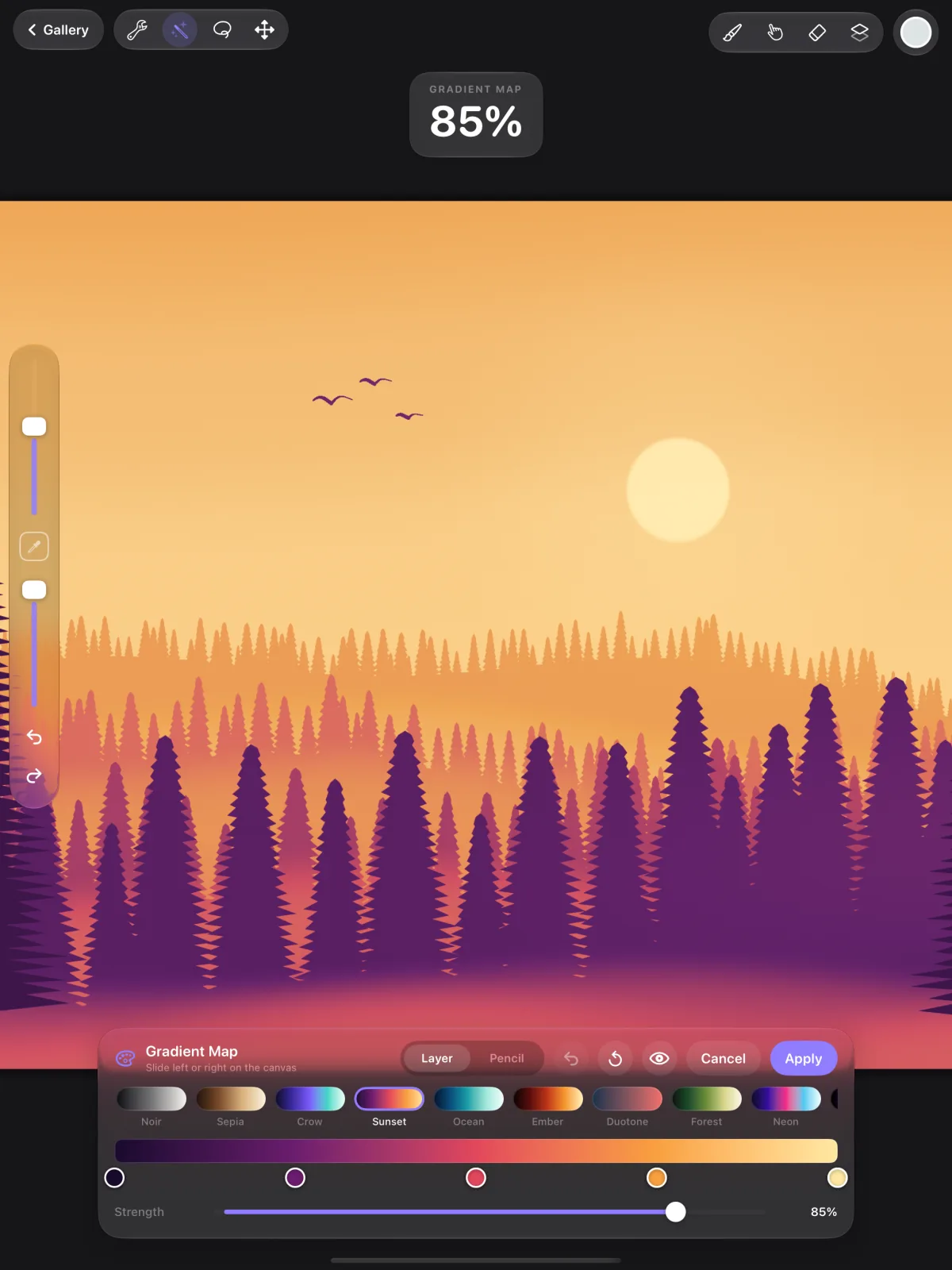
- Automatic, freehand, rectangle and ellipse selections, with feather and invert. Saved selections stay with the artwork.
- Transform freely, uniformly, with distort or with a warp mesh, with snapping.
- 17 adjustments, from curves and gradient maps to bloom, halftone and chromatic aberration. Apply them to a layer, or paint them in with your Pencil.
- Liquify with nine modes, and Clone to paint with another part of your artwork.
Guides, shapes and text
Straight lines and perfect circles, when you want them.
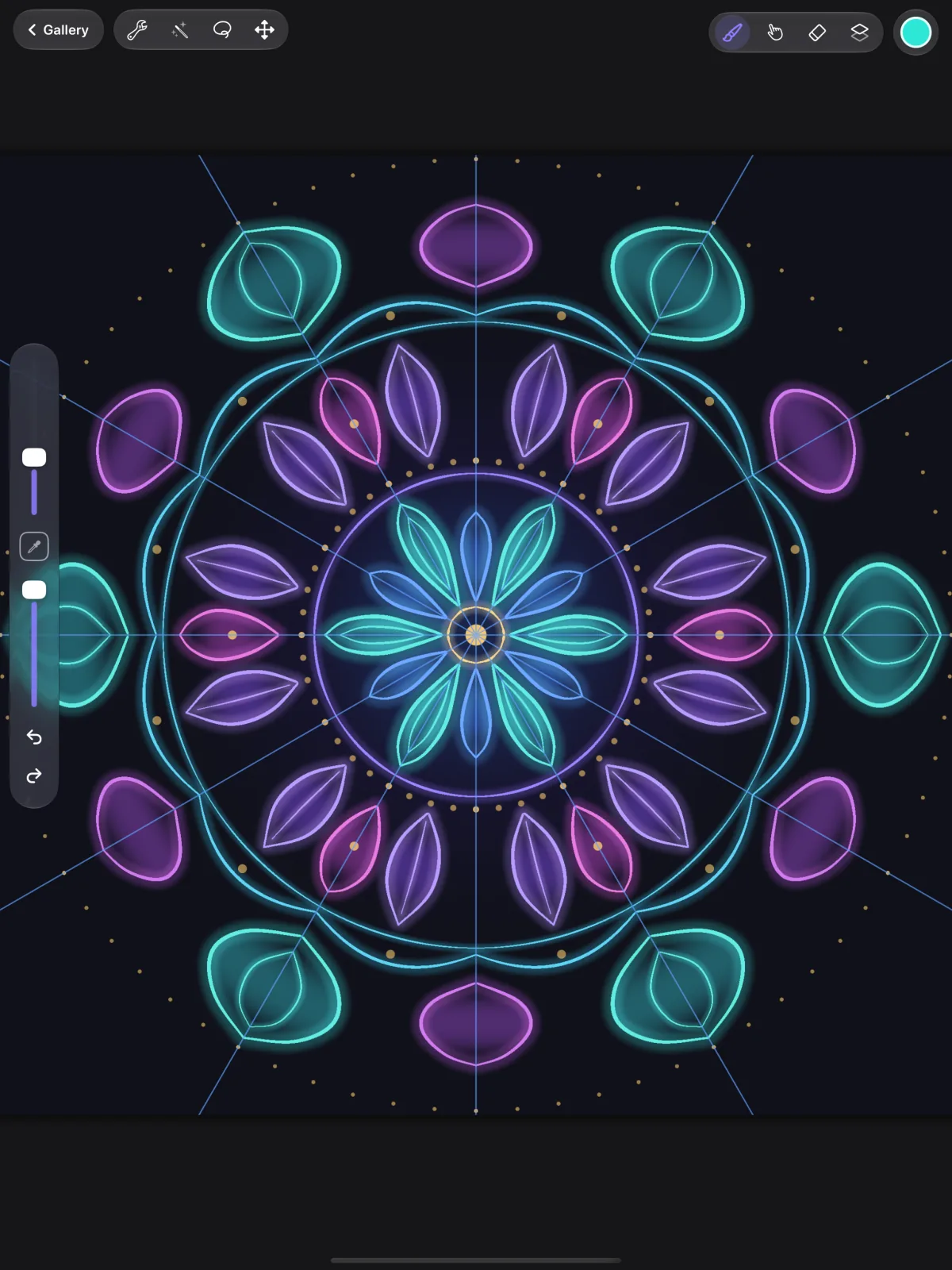
- 2D and isometric grids, one-, two- and three-point perspective, and symmetry, including radial, with drawing assist on the layers you choose.
- QuickShape: hold at the end of a stroke and it becomes a clean line, arc, ellipse, rectangle or polygon.
- Editable text layers with your iPad's fonts.
Gallery and files
Bring work in, send it anywhere.
- Import layered PSDs with their groups, masks and blend modes, plus PNG, JPEG, HEIC and TIFF.
- Export layered PSD, PDF, PNG, JPEG and TIFF, every layer as a PNG, or an animated GIF or MP4.
- A time-lapse of every canvas, to replay or share.
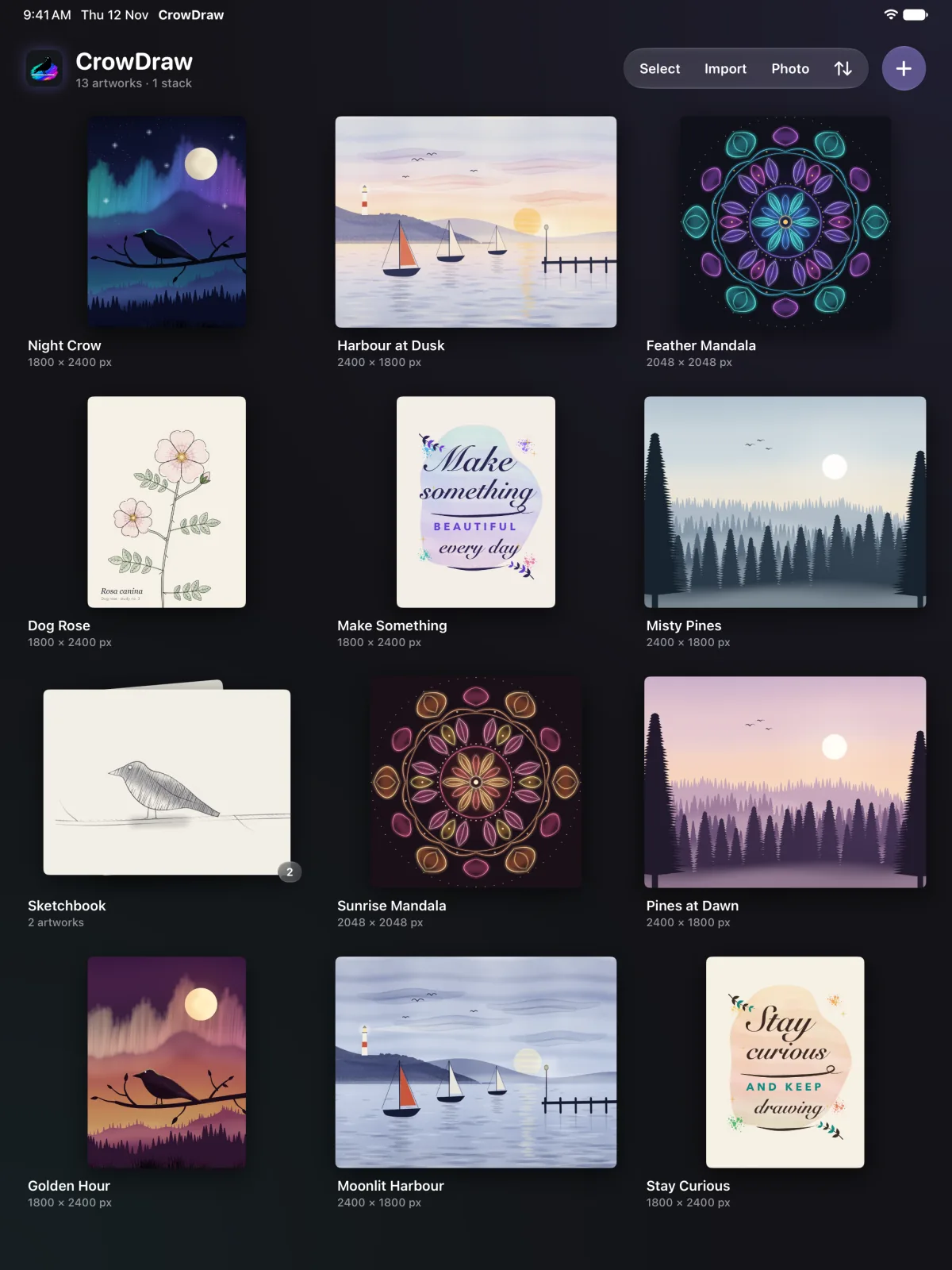
- A gallery with stacks, drag-to-reorder and full-screen previews.
And more
The details that make painting flow.
Gestures
Two-finger tap to undo, three to redo, pinch to zoom and rotate, touch and hold for the eyedropper, four fingers for full screen.
Apple Pencil Pro
Squeeze for the quick menu, roll the barrel to turn flat and calligraphy brushes, and set double-tap to the shortcut you use most.
Quick menu
Six shortcuts of your choice in a ring under your Pencil: new layer, eyedropper, flip, undo and more.
Reference window
Keep the whole canvas, or a photo to draw from, in a floating window, and pick colours from it.
Time-lapse
Every canvas records how you painted it. Replay it, or share the full video or a 30-second cut.
Gallery and stacks
Sort your artworks, drag them into stacks, preview them full screen and see how long each one took.
Light or dark, left or right
A quiet dark interface or a light one, with the sidebar on the left or, for left-handers, on the right.
Keyboard shortcuts
Undo, brush size, tools, copy and paste and selections from a hardware keyboard.
Animated GIF and MP4
Draw each frame on its own layer and export a looping animation.
Free, private and yours
Free, all of it
Every brush and every feature is included. No ads, no in-app purchases, no subscription and no account to make.
Your artwork stays on your iPad
Nothing you draw is uploaded. No analytics and no tracking. The app sends only anonymous crash reports, with no artwork in them, so we can fix bugs.
Works offline
Drawing, saving, importing and exporting all happen on your iPad, with or without an internet connection. No generative AI, nothing trained on your work.
Requirements
What you need
- An iPad with iPadOS 26 or later. CrowDraw is made for iPad only. The largest canvas and the number of layers depend on your iPad's memory.
- Apple Pencil, if you have one. Pressure, tilt and hover work with the Pencils and iPads that support them; Apple Pencil Pro adds squeeze and barrel roll. You can paint with your finger too.
- Nothing else. No account, no subscription and no internet connection.
- Files from other apps. Layered PSD and PSB, PNG, JPEG, HEIC, TIFF, GIF, WebP and BMP come in; palettes in the .swatches format import directly.
Is CrowDraw really free?
Yes. Every brush and feature is included, with no ads, no in-app purchases, no subscription and no account.
Where do I get CrowDraw?
From the App Store, where it is listed as CrowDraw – Sketch & Paint because the name CrowDraw was already taken. It's the same app.
Which iPads does it work on?
Any iPad with iPadOS 26 or later. CrowDraw is made for iPad only. How many layers you get and how large a canvas can be depend on your iPad's memory.
The layer limitDo I need an Apple Pencil?
No, you can paint with your finger. With Apple Pencil, brushes respond to pressure and tilt (on the models that sense them), and supported iPads show the brush outline as the Pencil hovers. Double-tap and Apple Pencil Pro's squeeze run the shortcut you choose, and Pro's barrel roll turns brushes set to follow the Pencil.
Apple Pencil & preferencesWhere is my artwork stored?
Only on your iPad, inside the app. It isn't uploaded anywhere and there's no account. Your iPad's own backup includes it, and you can export any artwork as a .crowdraw file, with its layers and time-lapse, to keep a copy or move it to another iPad. Deleting the app deletes the artwork in it.
Where your artwork is keptDoes CrowDraw sync with iCloud?
No. Your artworks stay on the iPad you made them on and don't sync between devices. They are included when your iPad backs up to iCloud or to a computer, and you can export any artwork as a .crowdraw file to Files or iCloud Drive and import it on another iPad.
Where your artwork is keptCan I use my work with Photoshop and other apps?
Yes. CrowDraw imports and exports layered PSD files with their groups, masks and blend modes, and exports PDF, PNG, JPEG, TIFF, every layer as PNG files, and animated GIF and MP4. Colour palettes in the .swatches format, as used by Procreate, import and export too.
Export & time-lapseDoes CrowDraw use AI?
No. There's no generative AI in CrowDraw. Your artwork never leaves your iPad unless you export it, and it isn't used to train anything.
Does it work offline?
Yes, completely. Drawing, saving, importing and exporting all happen on your iPad. The only thing CrowDraw ever sends is an anonymous crash report when something goes wrong, with no artwork in it.
Privacy policyCrowDraw
Free · no ads · iPadOS 26 or later
CrowDraw is made by Crow Tech in Singapore. Questions, ideas or a bug to report? The help page has answers and our email.
